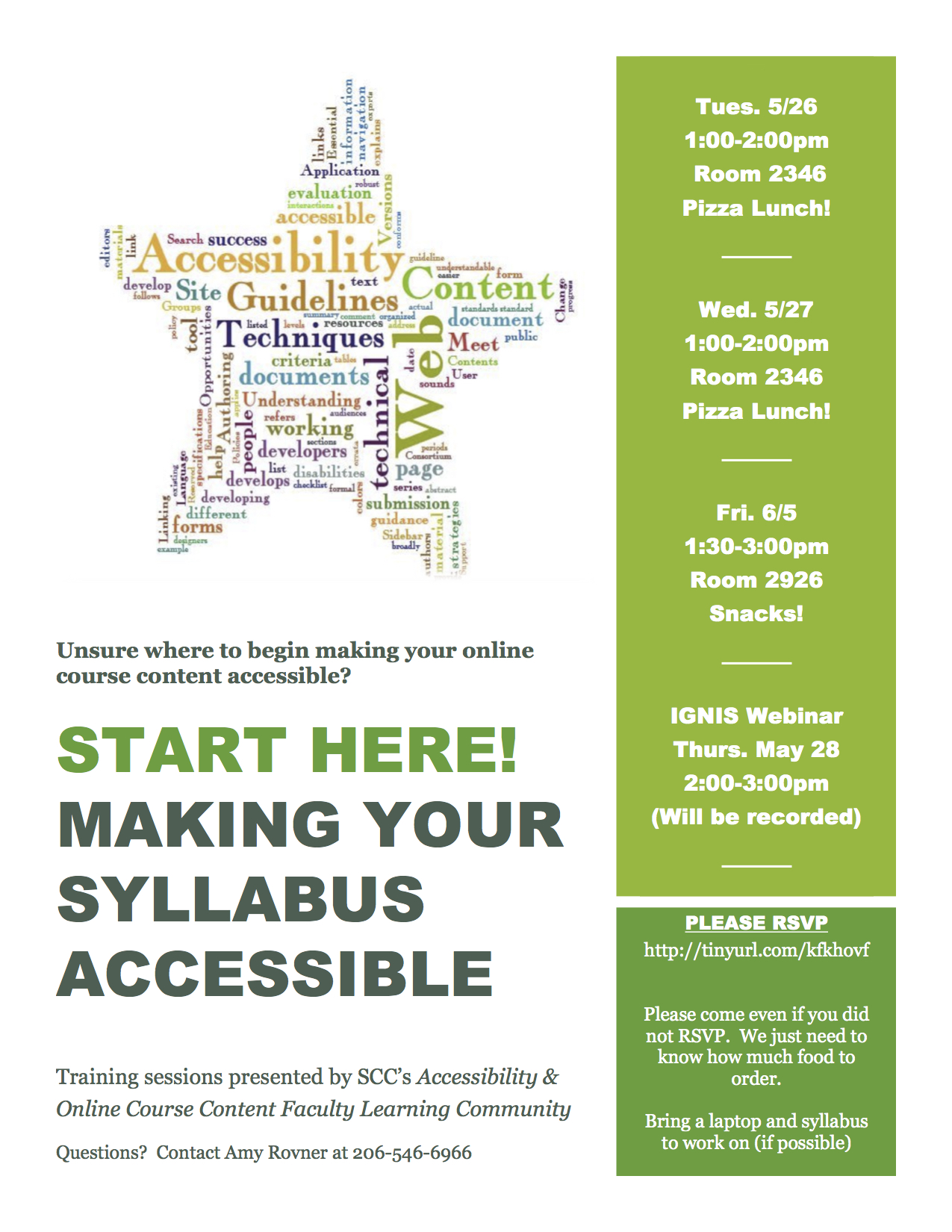
 We are celebrating Online Accessibility Awareness Week here at Shoreline, May 26-29. The Faculty Learning Community – Making Online Course Content Accessible – has put together daily tips!
Using Alt Text in Canvas
Many of us like to use images in our Canvas classrooms. In order for a low-vision student to access information about those images, each image must contain “alternative text” (or “alt text”) which is read by the screen reader in place of an image, allowing the content of that image to be accessible by all learners. When we embed images into Canvas using the rich text editor, there is an option to add alt text for each image. The content that you choose to use for your alt text will vary with application, though there are some established best practices.
If you want to learn more, join us for a Lunchtime Training Session on campus! We will have pizza and salad to fuel your brain!
5 Steps to Accessible Syllabi
Wednesday, May 27, 1 – 2 p.m. 1200 Building Conference Room
Friday, JUNE 5 1:30 – 3 p.m., Room 2926
If you cannot attend an on campus training, please join us for a webinar version on Thursday, May 28 from 2 – 3 p.m. A recorded version will also be available at the Ignis Webinar Site.

 Day at a Glance
Leave a comment