Online Accessibility Week Daily Tip: Are PDF Documents Accessible?

We are celebrating Online Accessibility Awareness Week here at SCC, May 26-29. The Faculty Learning Community – Making Online Course Content Accessible – has put together daily tips!

Today’s Tip: Are PDF Documents Accessible?

A common question we field in eLearning is regarding pdfs and accessibility. Many faculty use pdfs in their instructional materials in order to preserve formatting and prohibit editing. Can a pdf be read by a screen reader? The answer is yes, but it takes some work to structure the document such that a screen reader will be able to parse it in a meaningful way. Adobe and Microsoft have both written guides to help create pdfs that are properly “tagged” for screen reader accessibility.

If you want to learn more, join us for a Lunchtime Training Session on campus!  We will have pizza and salad to fuel your brain!

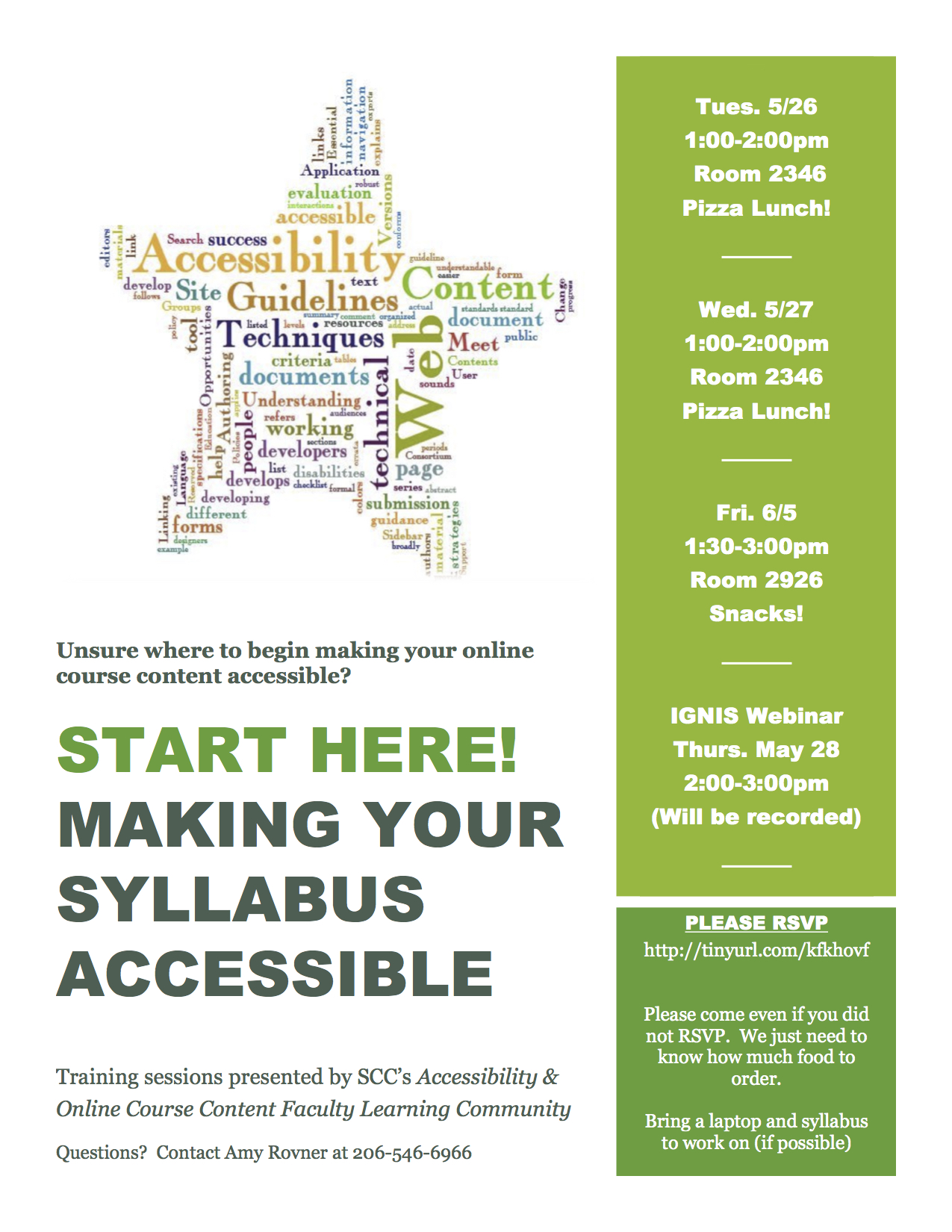
5 Steps to Accessible Syllabi
Friday, JUNE 5 1:30-3:00pm, Room 2926

If you cannot attend an on campus training, please join us for a webinar version TODAY Thursday, May 28 from 2:00-3:00pm.  A recorded version will also be available.  Ignis Webinar Site
Hope to see you there!
Panopto Maintenance Sat., May 30 from 5-8 p.m.

panopto

Sat., May 30 Panopto will be down from 5-8:00 p.m. for an upgrade. During this time, you will not be able to access recordings on your server, and any attempts to upload a new recording (during the maintenance) will result in a “Server unable to connect” message.

Online Accessibility Week Daily Tip: Creating Accessible Word Documents

We are celebrating Online Accessibility Awareness Week here at SCC, May 26-29. The Faculty Learning Community – Making Online Course Content Accessible – has put together daily tips!

Today’s tip:  Creating Accessible Word Documents

According to the Office of Special Services here at SCC, one of the greatest needs for students with disabilities is that instructional documents be free from accessibility barriers. This would include syllabi as well as other course materials. Happily, Microsoft Word has the ability to quickly check documents for issues that people with disabilities might experience. Portland Community College has pulled together a nice resource that includes checking for accessibility issues in both MS Word and PowerPoint files.

If you want to learn more, join us for a Lunchtime Training Session on campus!  We will have pizza and salad to fuel your brain!

5 Steps to Accessible Syllabi

Wednesday, May 27, 1:00-2:00pm Room 2346
Friday, JUNE 5 1:30-3:00pm, Room 2926

If you cannot attend an on campus training, please join us for a webinar version on Thursday, May 28 from 2:00-3:00pm.  A recorded version will also be available.  Ignis Webinar Site

Hope to see you there!
Celebrating Online Accessibility Week May 26-29

online accessibility weekWe are celebrating Online Accessibility Awareness Week here at Shoreline, May 26-29. The Faculty Learning Community – Making Online Course Content Accessible – has put together daily tips!

Using Alt Text in Canvas

Many of us like to use images in our Canvas classrooms. In order for a low-vision student to access information about those images, each image must contain “alternative text” (or “alt text”) which is read by the screen reader in place of an image, allowing the content of that image to be accessible by all learners. When we embed images into Canvas using the rich text editor, there is an option to add alt text for each image. The content that you choose to use for your alt text will vary with application, though there are some established best practices.

If you want to learn more, join us for a Lunchtime Training Session on campus!  We will have pizza and salad to fuel your brain!

5 Steps to Accessible Syllabi

Wednesday, May 27, 1 – 2 p.m. 1200 Building Conference Room

Friday, JUNE 5 1:30 – 3 p.m., Room 2926

If you cannot attend an on campus training, please join us for a webinar version on Thursday, May 28 from 2 – 3 p.m.  A recorded version will also be available at the Ignis Webinar Site.

Gail Dalton Earns Quality Matters Certification!

Screen Shot 2015-05-20 at 4.56.41 PM

Please join us in congratulating Gail Dalton for earning Quality Matters Certification for her BUSTC 115 – Fundamentals of Business Communication online course! She joins 9 other SCC Faculty with 16 courses having received Quality Matters certification. Well done Gail!!

You can see the full list of faculty and courses on the Virtual Campus pages of the SCC website and learn about Quality Matters here. For more information about Quality Matters, please contact us at elearning@shoreline.edu!

Thanks!
eLearning Services