In an effort to support the goals of SCC through facilitating innovation, growth and ease of use, we are excited to introduce a more streamlined way to request help from the Technology Service Support (TSS) Department.
It is called “ZENDESK.”
Many of you are already beginning to use this program and we are excited with the results.
In your internet browser, go to http://help.shoreline.edu. This will bring you to the log in screen that looks like this image below:
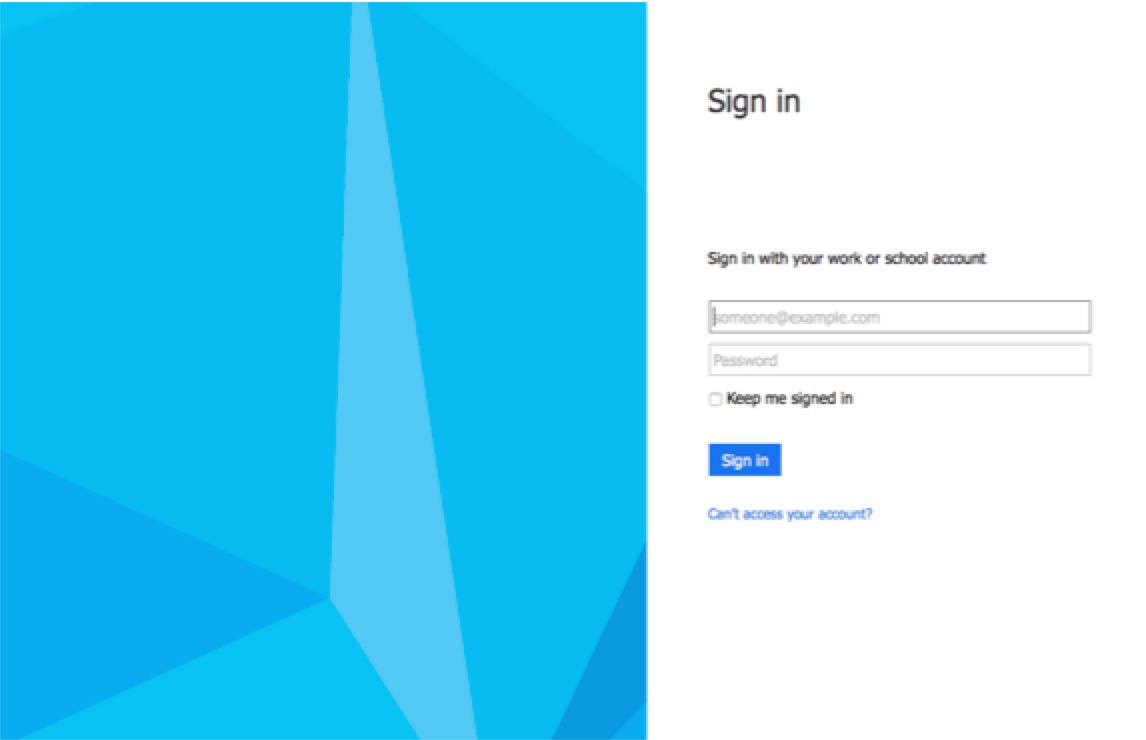
Just sign in with your shoreline.edu email address and password. You will come to a screen where you can submit a request in a format that looks like the one below:
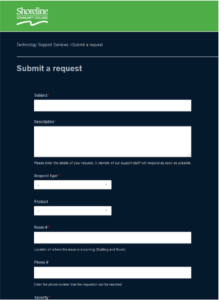
This portal will keep you abreast of the status of your ticket, will enable our technicians to request additional information if necessary and will allow TSS staff to collaborate more efficiently to resolve your requests or issues. It will also give the TSS department a way to track and report on metrics and trends to allow us to be proactive and improve on the high level of customer service we already provide.
Implementing this system is currently still in development but it is our hope that this system will be a more helpful and efficient way to service the needs of Shoreline Community College as well as enable us to streamline our work flow.
You may begin using the new Zendesk system for all your technology needs as the old Work Order system is being retired. The email address for Zendesk is: support@shoreline.zendesk.com
The Helpline Phone number at 206-546-5872 will still be in service, but we encourage you to please submit a ticket and refer to that ticket when calling the Helpline number.
Any questions? Please don’t hesitate to ask.
Thanks, Your Technology Support Services Team

 Day at a Glance
Leave a comment