Message from Lisa Patterson – 2023 Open Enrollment Summary of Changes

This message is for all insurance-eligible employees only. Here is more information to help you understand any changes you make during the PEBB Annual Open Enrollment period, November 1-30.

Summary of changes to your benefits for 2023

All changes are effective January 1, 2023, unless otherwise noted.

  • summary of the changes to all medical plans, Kaiser Permanente NW, Kaiser Permanente WA, and Uniform Medical Plan.
  • summary of the changes to DeltaCare.

You can also view rule changes and other changes for 2023 from the PEBB Program’s open enrollment webpage and in your October For Your Benefit newsletter.

Don’t confuse these dental plans

The PEBB Program offers two dental plans administered by Delta Dental that are often confused. Sometimes members intend to enroll in Uniform Dental Plan (UDP) but accidentally enroll in DeltaCare, or vice versa. During open enrollment, be careful to choose the dental plan you want.

  • DeltaCare (Group 3100) is a managed-care plan with a narrow network. You must choose a primary care dentist within the network or you will be assigned a primary care dentist. Your primary care dentist must give you a referral to see a specialist. This plan will not pay claims if you see a provider outside of the network.
  • Uniform Dental Plan (Group 3000) is a preferred-provider plan. You may choose and change any dental provider at any time, but you will usually have lower out-of-pocket costs if you see in-network providers.

Compare your dental plan options on the PEBB Program’s Dental plans & benefits webpage. Before you enroll in a dental plan, check with the plan (DeltaCare or UDP, not the provider) to see if your provider is in the plan’s network and confirm the group number. You can call the dental plan’s customer service or use the plan’s online directory.

Dual enrollment is prohibited

Dual enrollment within the Public Employees Benefits Board (PEBB) Program and between the PEBB and School Employees Benefits Board (SEBB) Programs is prohibited.

Dual enrollment within the PEBB Program

  • You may waive PEBB medical to enroll as a dependent under the PEBB medical plan of your spouse, state-registered domestic partner (SRDP), or parent.
    • You must enroll in your own dental plan.
  • A child eligible for PEBB medical and dental under you and your spouse or SRDP may be enrolled under both accounts, but the child is limited to one medical plan enrollment and one dental plan enrollment.
  • If you are eligible under two PEBB employers, you may choose which employer to enroll under. Note: Faculty who stack to establish or maintain eligibility for the employer contribution will be enrolled under the employer responsible for paying the employer contribution.

Dual enrollment between PEBB and SEBB Programs

  • You may waive PEBB medical and dental to enroll in SEBB medical, dental, and vision.
  • If you waive PEBB medical and dental to enroll in SEBB medical, dental, and vision plans, you will be enrolled in PEBB employer-paid long-term disability (LTD), employee-paid LTD with the option to reduce or decline the benefit, and basic life insurance.

If you waive PEBB medical and/or dental and then lose eligibility under the account you are enrolled in, you must notify your employing agency no later than 60 days from the date benefits end. To avoid a gap in coverage, submit the enrollment/change form prior to the benefits end date.

How to check your Comp Time Balances

Hello,

I have been getting a lot of inquiries regarding comp time balances.  Please note that comp time balances will not be found in absences, it is part of your time reporting.  To check for your comp time balances please follow the information below.

  1. Log into ctcLink
  2. Select HCM Self-Service
  3. Select the Time Tile
  4. Select the CTC Time Tile
  5. Click the Comp Time Balances link in the menu on the left of your screen.

For your convenience, a lot of questions pertaining to ctcLink for payroll and absence questions can be found here.

Delene Bryant
Payroll Manager
HR & Employee Relations

Shoreline CC: Apply for Scholarships (Money to Pay for College)

The Shoreline Community College Foundation’s winter quarter 2023 scholarship application is now open. See the instructions below on how to apply. 

Each year the Shoreline Community College Foundation awards over 400 scholarships to students attending Shoreline Community College. Scholarship awards range from $200 to $4,000. 

Full-time, part-time, international, and undocumented students are eligible to apply. 

IMPORTANT DATE 

  • Application closes November 27th.

To get started: 

  1. Create your user account. If you created a user account in the past, sign-in with the credentials you used when setting up your account. 
  2. Click “Register.” 
  3. Enter all of the required information, click the agreement box, then click the “Create Account” button. 
  4. Once registration is complete, you will be directed to your Dashboard. 

Application Instructions 

  1. Sign in to your account
  2. Click the “Start Application” button to begin filling out your application. 
  3. Click the “Submit Application” button in the lower right corner (Note: The “Submit Application” button is disabled until the application is complete). 
  4. You will be directed back to your Dashboard where you will see the number of scholarships to which you have been automatically applied. 
  5. You may be eligible for additional scholarships that require additional information. The Dashboard will prompt you to provide this by showing a number in the “Items requiring completion” box. 
  6. After completing all follow-up items for the scholarship, click the “Resubmit Application” button to submit your application (Note: If there are no follow-up items that need to be completed, you do not need to resubmit your application). 

Questions? 

Contact Michelle Cimaroli at mcimaroli@shoreline.edu.  
 
Note: 

An application for Shoreline Community College Foundation scholarships does not take the place of the Financial Aid application. All students, excluding international students, are encouraged to complete the FAFSA (Free Application for Federal Student Aid) or the WASFA (for HB 1079 students) application for the current year, in addition to the scholarship application. For information about financial aid, visit our Financial Aid webpage, or email financialaid@shoreline.edu

 
Sincerely, 
 
Michelle Cimaroli (she/her) 
Foundation Manager 
Office of Advancement and Foundation 
 
Shoreline Community College 
www.shoreline.edu/foundation | 206.533.6783 

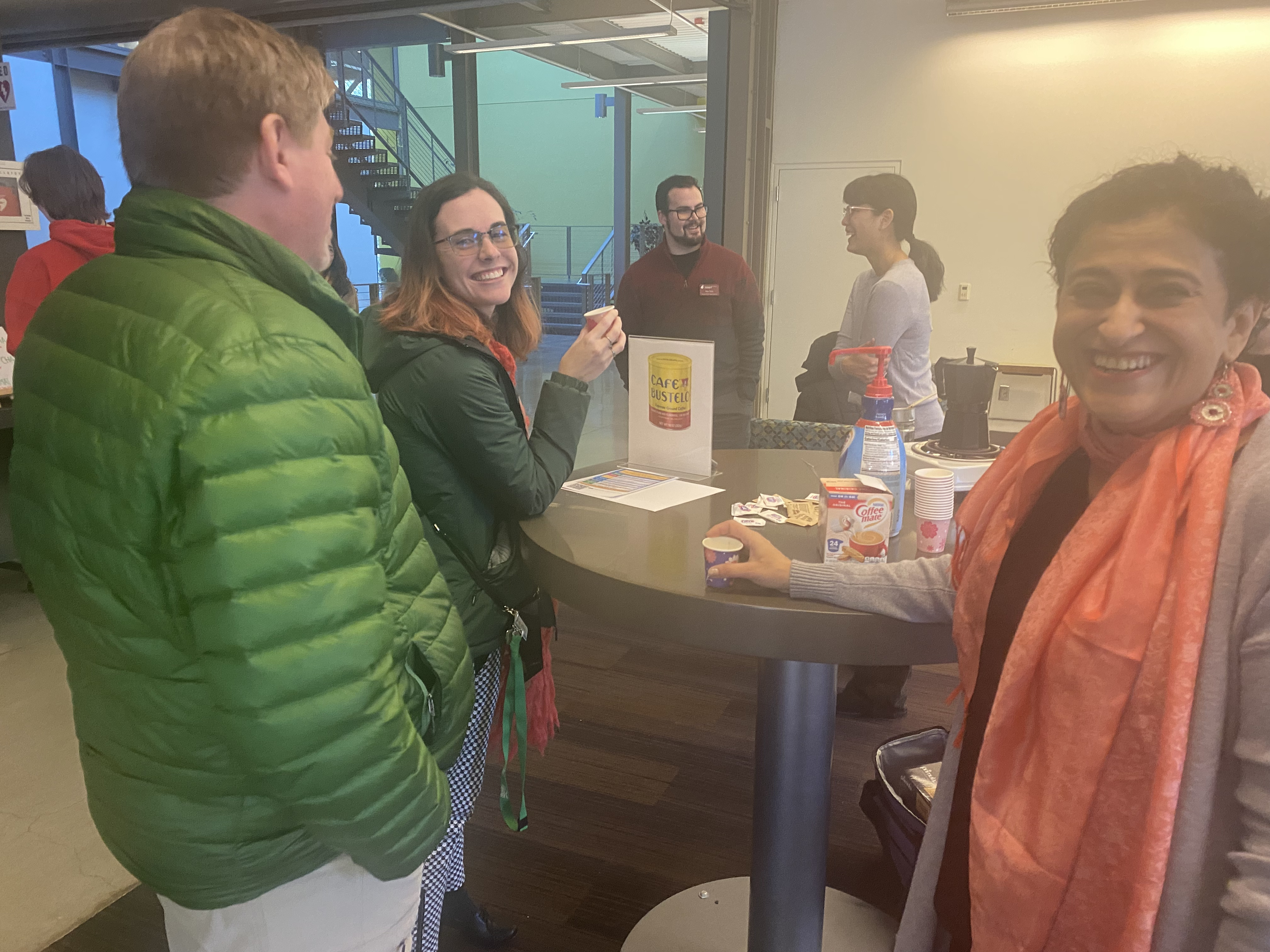
International Education Week, Day 1- Coffee and Tea Tasting Photos

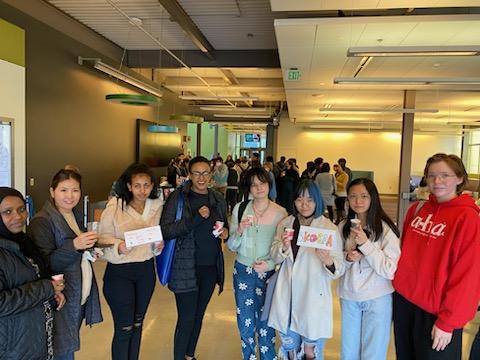
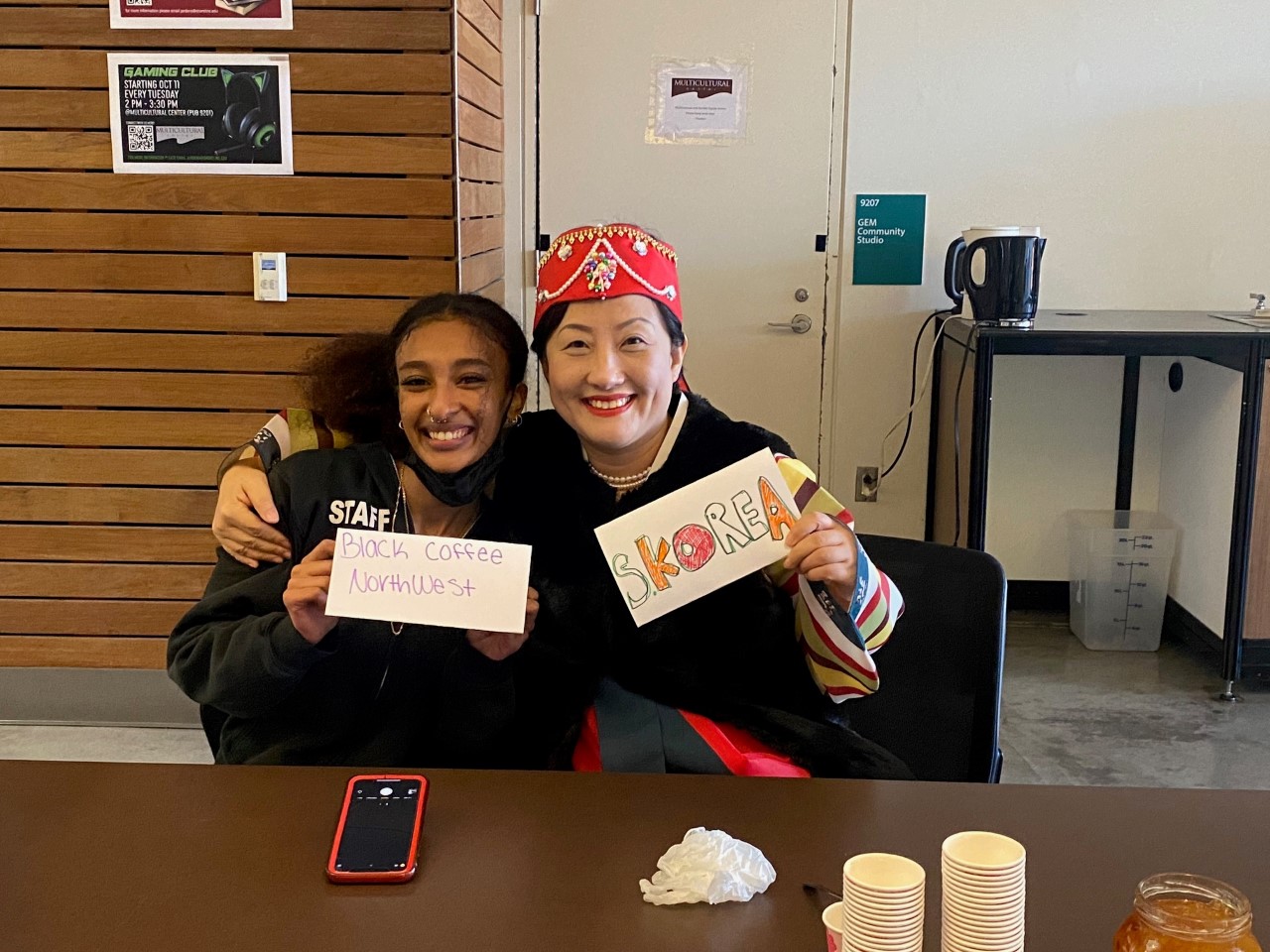
International Education Week- Coffee and Tea Tasting event held today on campus! Join us all week for fun events and experiences.

IEW Coffee and Tea Tasting Event Photo
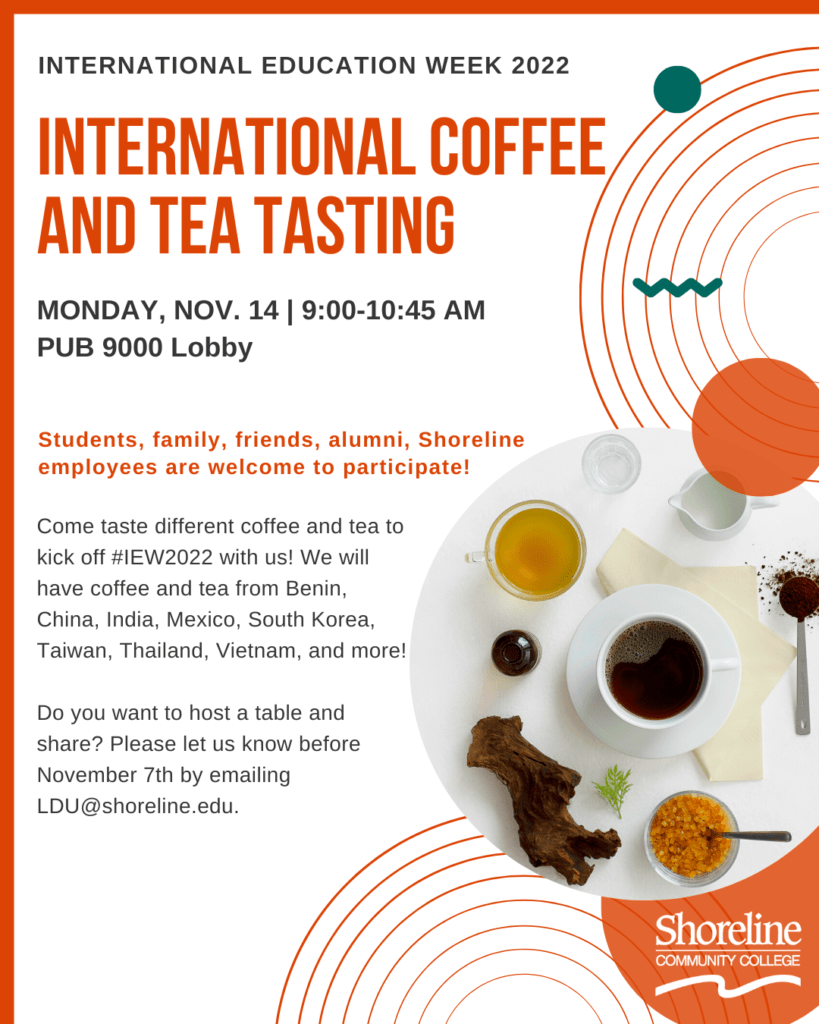
IEW Coffee and Tea Tasting Event info listed on a graphic
IEW Coffee and Tea Tasting Event Photo

International Education Week Activities-REMINDER

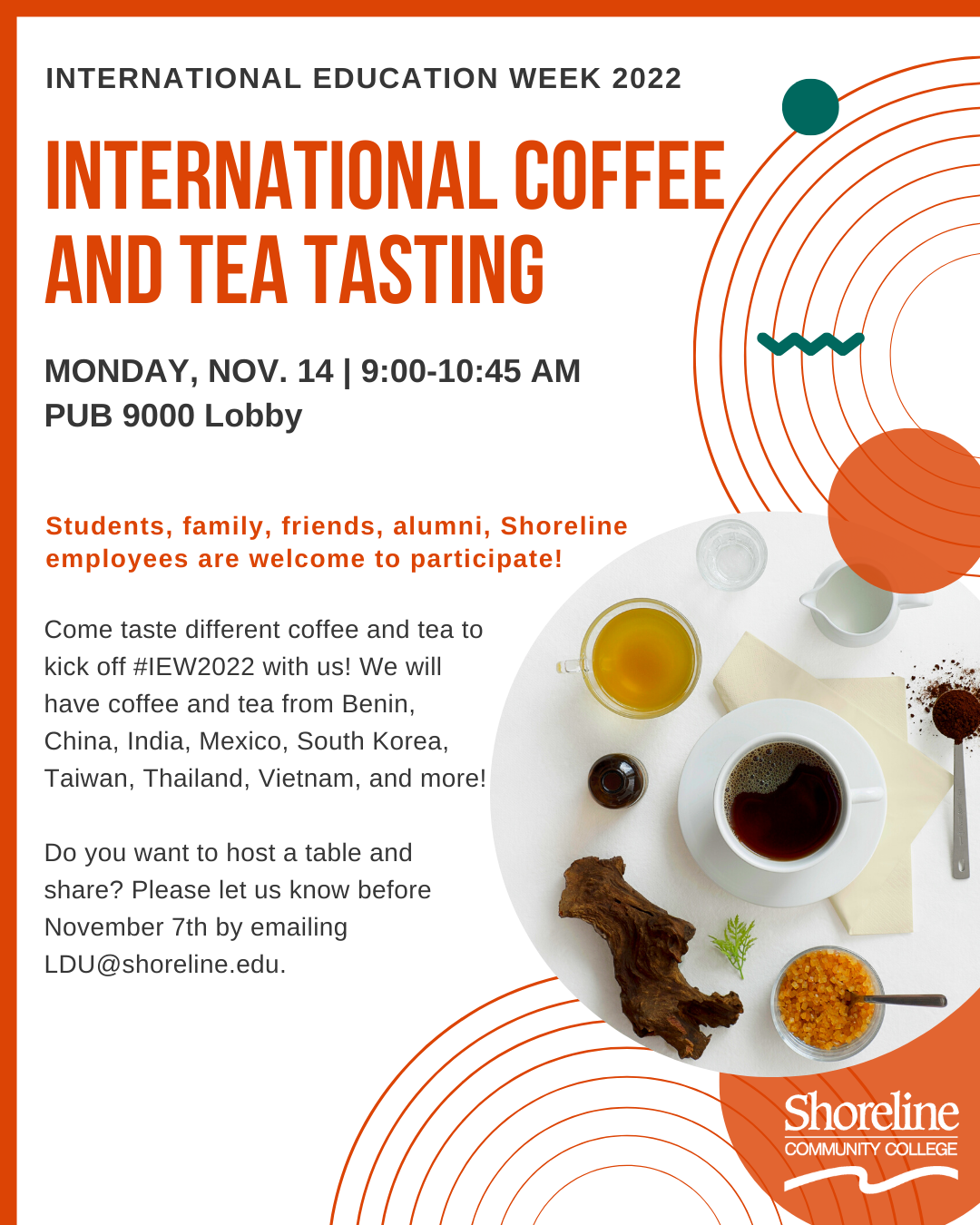
Title: International Education Week 2022: Coffee & Tea Tasting

Date and Time: Monday, 11/14, 9:00-10:45 a.m.

Location: PUB Lobby

Description: Come taste different coffee and tea to kick off #IEW2022 with us! We will have coffee and tea from Benin, China, India, Mexico, South Korea, Taiwan, Thailand, Vietnam, and more!

Do you want to host a table and share? Please let us know before November 7th by emailing LDU@shoreline.edu.

IE Event Coffee and Tea Tasting info

Title: International Education Week 2022: Teach Abroad Info Meeting for Faculty

Date and Time: Monday, 11/14, 2:45-3:30 p.m.

Location: PUB Quiet Dining Room (9208)

Description: Are you interested in teaching abroad? Come learn more about how to participate in or develop your own experience abroad, as well as funding opportunities!

IE Teach abroad event info

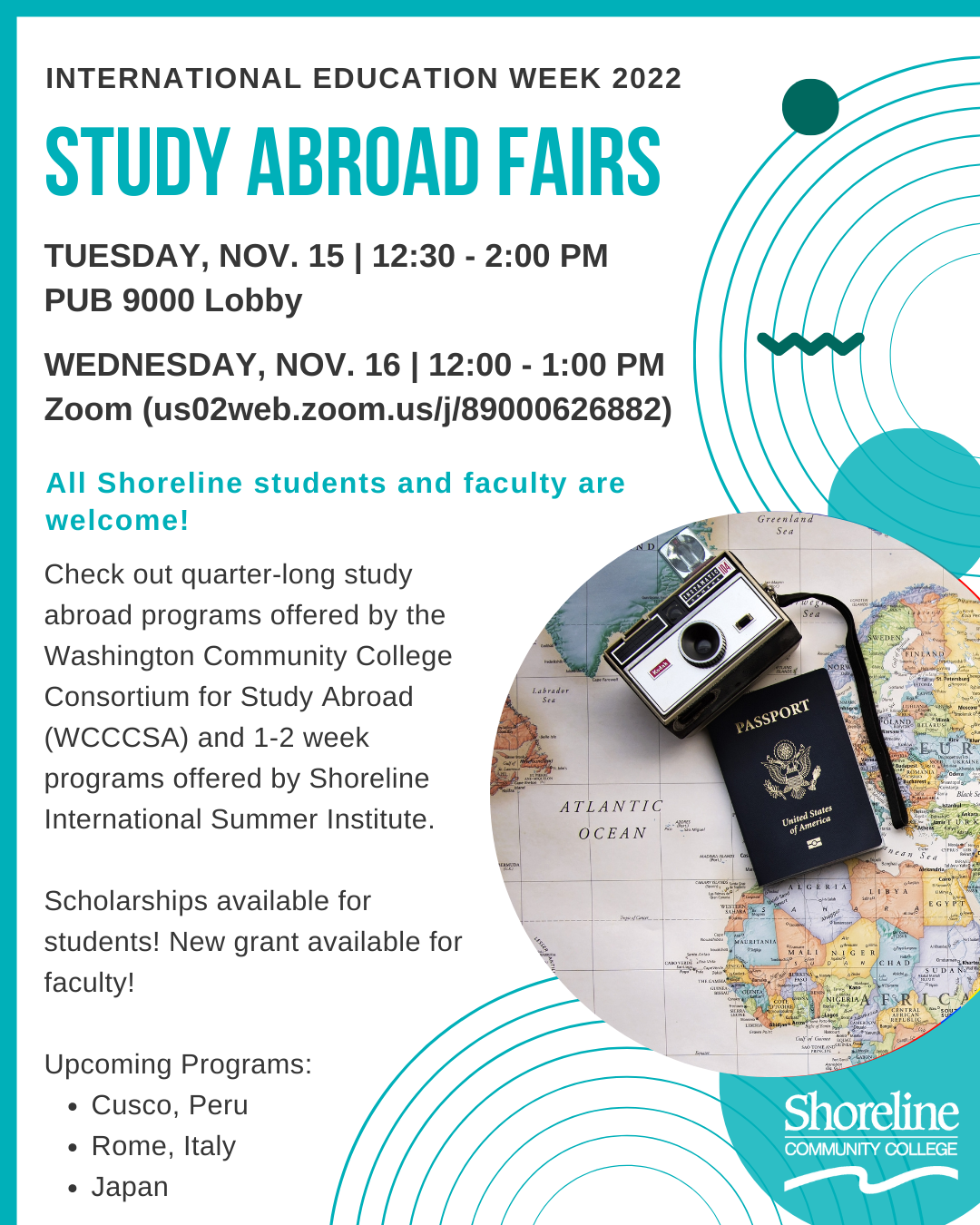
Title: International Education Week 2022: Study Abroad Fairs

Date and Time: Tuesday, 11/15, 12:30-2:00 p.m. (in-person) AND Wednesday, 11/16, 12:00-1:00 p.m. (Zoom)

Location: 11/15: PUB Lobby; 11/16: Zoom at us02web.zoom.us/j/89000626882

Description: Study abroad is available to Shoreline students! Come learn about upcoming programs to Peru, Rome, Japan, and more! In-person on Tuesday in the PUB Lobby, and on Zoom on Wednesday.

Title: International Education Week 2022: International Trivia

Date and Time: Wednesday, 11/16, 3:30-4:30 p.m.

Location: PUB Quiet Dining Room (9208)

Description: Show off your random knowledge at our international-themed trivia event! We’ll have questions from a wide variety of cultures and countries from around the world.

IE Trivia Event Info

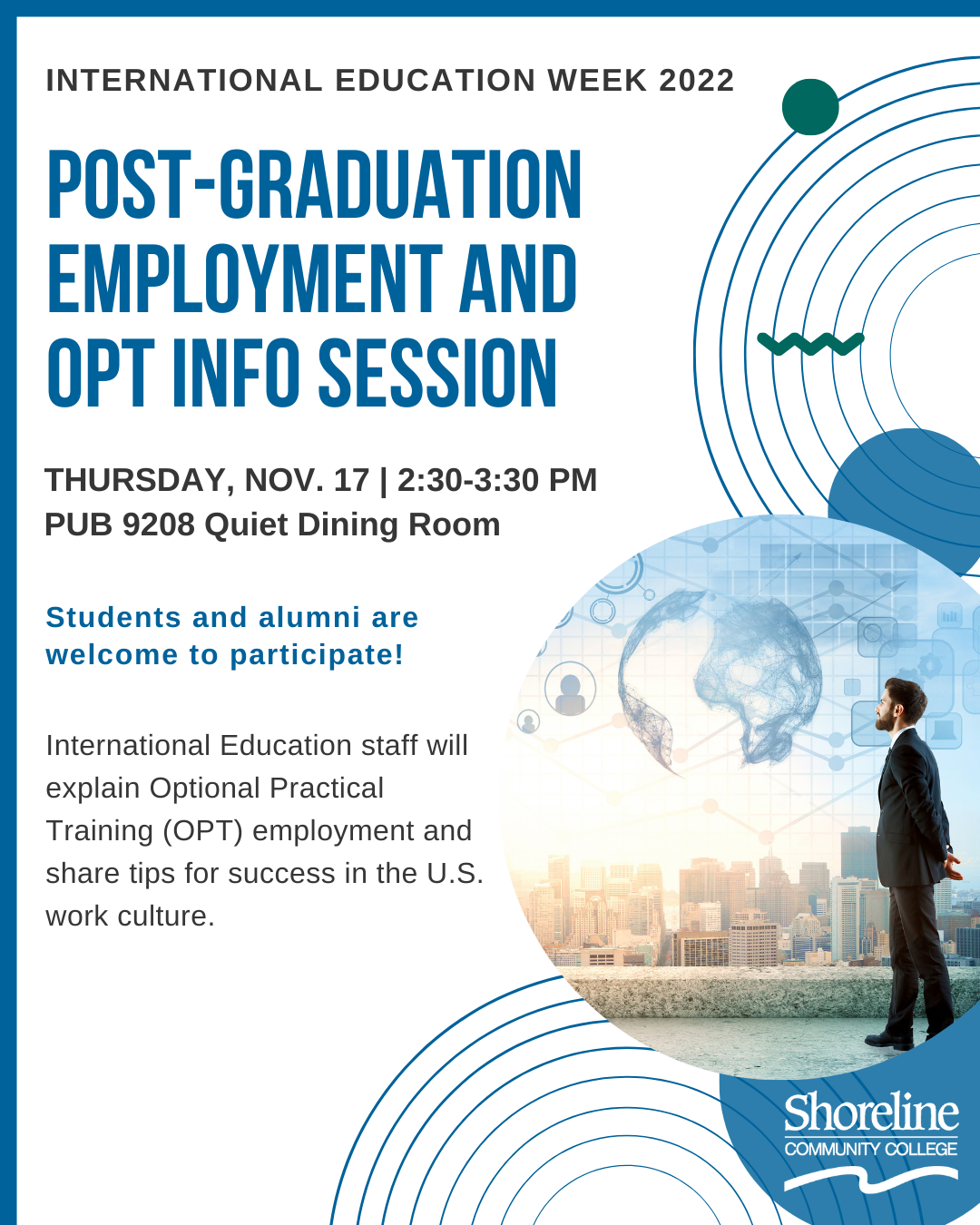
Title: International Education Week 2022: Post-Graduation Employment and OPT Info Session

Date and Time: Thursday, 11/17, 2:30-3:30 p.m.

Location: PUB Quiet Dining Room (9208)

Description: Interested in learning about how international students can work after completing their degree at Shoreline, or after completing a bachelor’s degree? Attend this session to get some basic info about OPT!

IE Post Grad Event

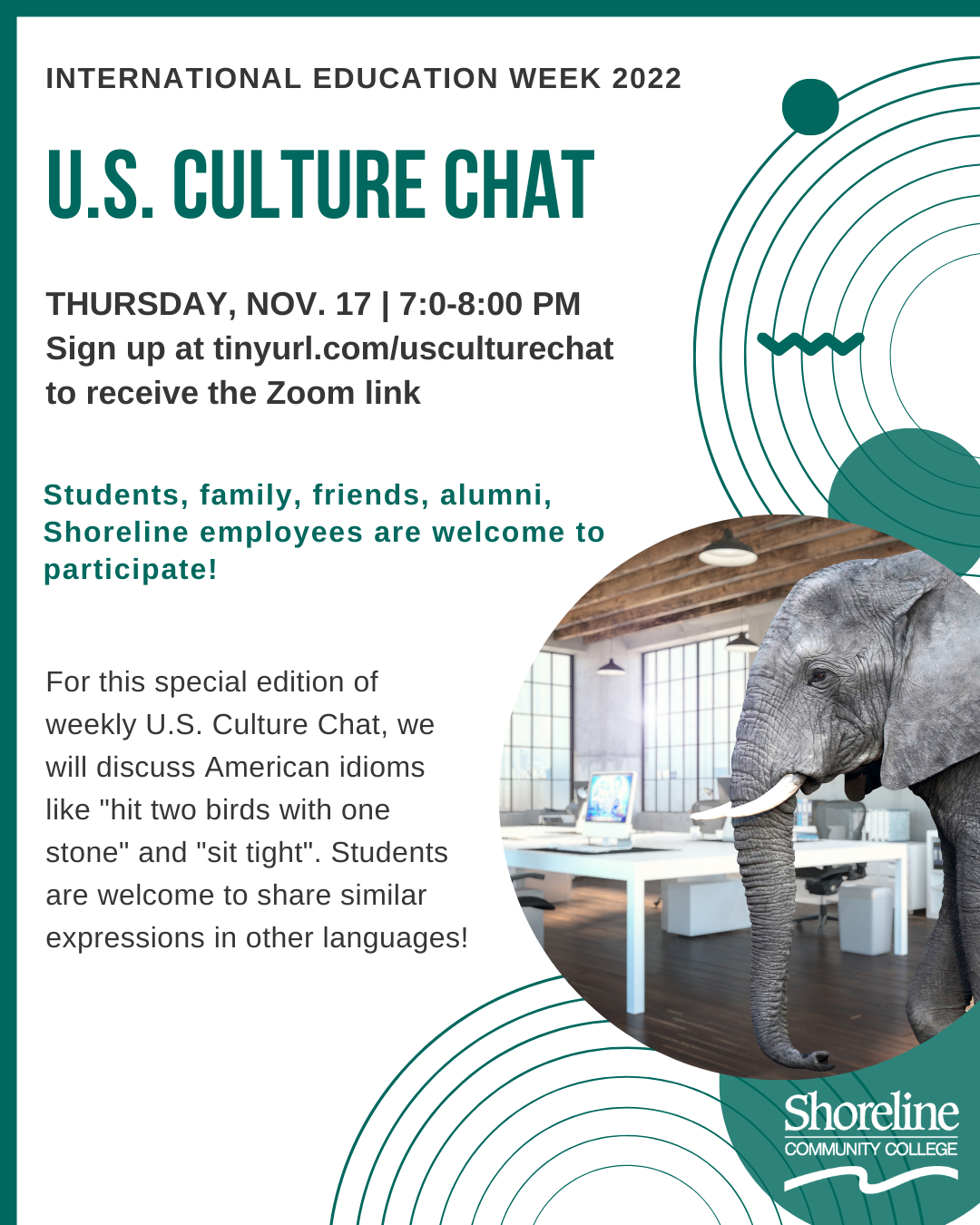
Title: International Education Week 2022: Culture Chat – Idioms and Expressions

Date and Time: Thursday, 11/17, 7:00-8:00 p.m.

Location: Zoom – sign up at https://tinyurl.com/usculturechat to receive the link!

Description: For this special edition of weekly U.S. Culture Chat, we will discuss American idioms such as “hit two birds with one stone” and “sit tight.” We’ll also learn about expressions in other languages!

IE Us Culture Event Information

Title: International Education Week 2022: Auditions for A Kitchen in the World

Date and Time: Thursday, 11/17, and Friday, 11/18, 12:30-3:30 p.m.

Location: 1600 Theater Stage

Description: Want to try out (or show off) your acting chops? Come audition for this theater production – rehearsals and performances will be held during the Winter 2023 quarter. Opportunity to earn humanities credits too! Sign up link coming soon.