For Students: Upcoming Drop-In Canvas Support Sessions

Do you know a student that is new to Canvas or online learning, or has questions about how to navigate their online classes?

eLearning is offering optional, live student support drop-in sessions via Zoom at the beginning of Fall quarter so students can receive real-time answers to their questions! 

All current Shoreline Community College students are invited to join one of our upcoming drop-in Canvas support sessions:

eLearning support for faculty

Faculty – stop by for any eLearning help that you need:

Jeff’s Iannone’s FOSS Hours: MW 12:30-2 pm in 5364
Catherine Chapman’s FOSS Hours TTH 2-3 pm in 5380
1200 building: M-Th 8-5 pm and F 8-4:30 pm

elearningsupport

Dropout Detective demo Thurs., June 2

Dropout Detective, an application that will give Success Coaches and other student success support staff access to the data they need from Canvas without accessing instructors’ courses, will be demoed on Thurs., June 2 at 3 p.m. in room 1402. All employees are invited to join us to view a live demonstration of Dropout Detective, ask questions of the JUMC Canvas Ad Hoc workgroup and the vendor, and share their thoughts about the application.

UDOIT Tool available in Canvas beginning Thurs., April 28

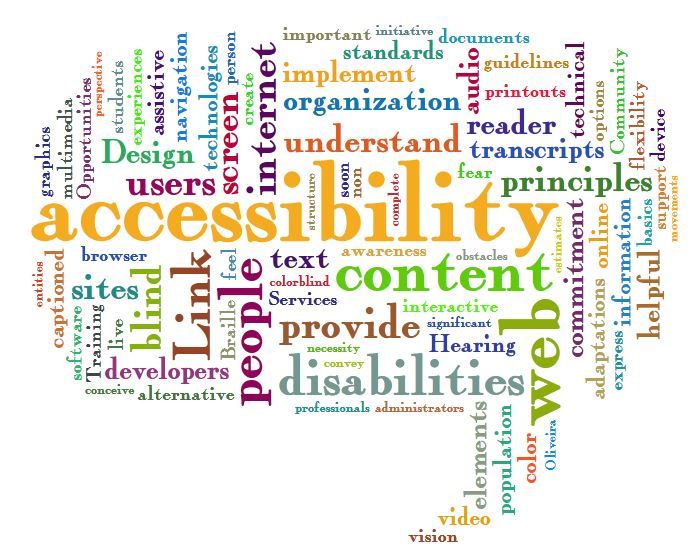
accessibility
As part of Accessibility Action week, we are thrilled to announce that we are one of the first SBCTC colleges to be able to put the UDOIT tool into our Canvas instance!

What is UDOIT? UDOIT is a tool that can quickly check your full course for Accessibility.  It also provides information on how to fix any issues that make viewing/using your content difficult or impossible for someone using a screen reader or other assistive device.  For example, it will show you how to add styles to your text and alternative text on your images and tables.

As of this Thursday, April 28, you will see it in the left hand navigation in your Canvas classes.  It’s a “teacher only” tool so students will not be able to see it.

If you would like to learn more, please join us Thurs., April 28 for a UDOIT Party in Room 4214 from 1:30-3 p.m.! We will show you how to use the UDOIT tool and then let you try it on your own courses. In addition, the Accessibility FLC has put together a handy checklist if you want to check your course that way. FLC Members will be present to help you quickly make improvements.

If you have any questions, please ask!

Canvas Update for Sat., April 2

In the Canvas update scheduled for Sat., April 2, instructors can view calculation improvements in the Gradebook and Quizzes, access student analytics directly from the People page, and more accurately reply to group comments in SpeedGrader. All users benefit from improvements to Notifications and the Assignments submission details page. 

Updated Features

  • Assignments: Submission Details View
  • Gradebook: Individual View Final Grade Decimal Places, Module Sorting and Non-Module Assignments
  • Notifications: Notification Preference View
  • People: User Menu Analytics Link & Profiles Addition
  • Quizzes: Manually Graded Question Quiz Statistics
  • SpeedGrader: Group Submission Individual Comments View

Please let us know if you have questions.

Have a great quarter!
elearning