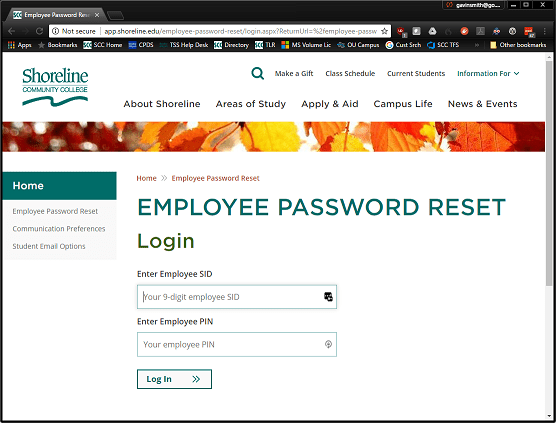
You can now reset your own employee Shoreline password used for computers, email, and many Shoreline web sites. Go to:
https://app.shoreline.edu/employee-password-reset/
-
- You will need your Employee SID and PIN, which you can get from Human Resources if needed
-
- This is especially useful for offsite employees or Mac users, who otherwise don’t have an easy way to reset their network password
-
- Students can still reset their password at http://www.shoreline.edu/email
Direct any questions to Gavin Smith at gavinsmith@shoreline.edu or 206-546-4792.

 Day at a Glance
Thank you Gavin & TSS!!